
 processor-Intel

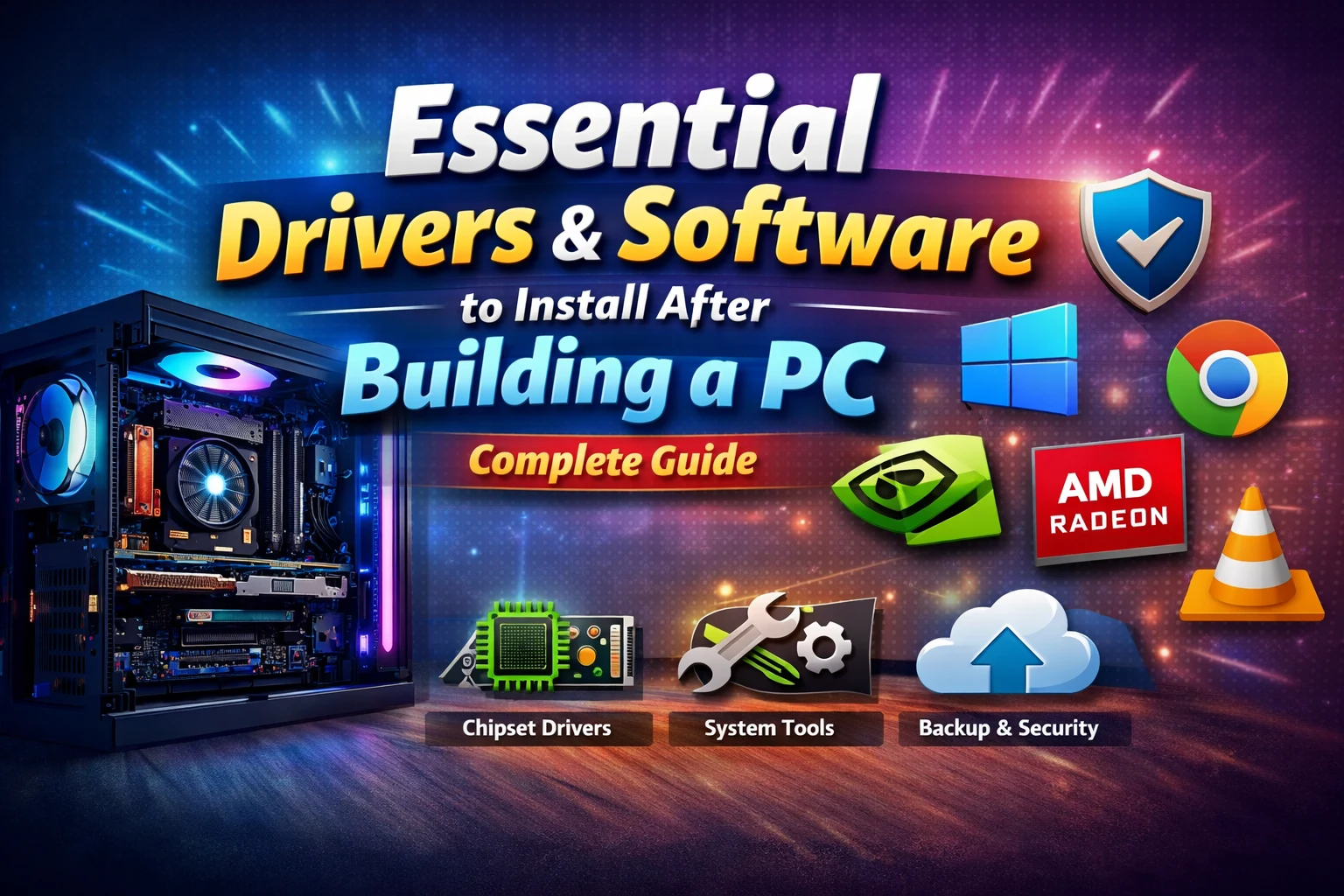
Building a new PC is exciting—but once the hardware is ready, the real setup begins. Installing the right drivers and software is crucial to unlock your system’s full performance, stability, and usability.
In this guide, we’ll walk you through everything you should install right after assembling your PC.
🔧 1. Install the Operating System First
Before anything else, install a stable OS like Windows 11 or your preferred alternative.
👉 Why it matters:
The OS acts as the foundation for all drivers and applications.
⚙️ 2. Essential Drivers You MUST Install
Drivers allow your hardware to communicate properly with your system. Missing drivers = poor performance or non-working components.
🧠 a) Chipset Drivers
- Provided by your motherboard manufacturer (Intel/AMD)
- Ensures proper communication between CPU, RAM, and peripherals
👉 Example: AMD Chipset or Intel Chipset drivers
🎮 b) Graphics Drivers (MOST IMPORTANT)
Your GPU won’t perform properly without updated drivers.
- For NVIDIA GPUs → Install NVIDIA GeForce Experience
- For AMD GPUs → Install AMD Radeon Software
👉 Benefits:
- Maximum FPS in games
- Better rendering performance (editing)
- Bug fixes & optimizations
🌐 c) Network Drivers (LAN/Wi-Fi)
Install these if your internet isn’t working automatically.
- Ethernet (LAN)
- Wi-Fi drivers
👉 Usually available on motherboard website.
🔊 d) Audio Drivers
Install Realtek or motherboard-specific audio drivers for:
- Better sound quality
- Mic enhancements
- Full audio control
💾 e) Storage & SATA/NVMe Drivers
Ensures:
- Faster SSD speeds
- Stable data transfer
🔄 3. Run System Updates
After installing drivers, update your OS.
- Use Windows Update
👉 This installs:
- Security patches
- Missing drivers
- Stability improvements
🛡️ 4. Must-Have Essential Software
Now let’s install everyday tools that make your PC usable.
🌍 a) Web Browser
- Google Chrome
- Mozilla Firefox
👉 Faster browsing & extension support
📦 b) File Extraction Tool
- WinRAR
- or 7-Zip
👉 Open ZIP, RAR, and other compressed files
🎥 c) Media Player
- VLC Media Player
👉 Plays almost every video/audio format
🛡️ d) Antivirus / Security
- Built-in: Microsoft Defender
- Optional: Third-party antivirus
👉 Keeps your PC safe from malware
💻 e) Essential Utilities
- CPU-Z → Check system specs
- HWMonitor → Monitor temps
- CrystalDiskInfo → SSD/HDD health
🎨 5. Software for Gamers & Creators
Depending on your use case:
🎮 Gaming
- Steam
- Epic Games Launcher
🎬 Editing & Content Creation
- Adobe Premiere Pro
- Adobe Photoshop
- DaVinci Resolve
🔄 6. Backup & Recovery Tools
Don’t skip this step!
- Enable Windows Restore Points
- Use backup tools or cloud storage
👉 Prevents data loss in case of crashes
⚡ Pro Tips After Setup
✔ Keep all drivers updated
✔ Avoid random software downloads
✔ Install only what you actually need
✔ Create a restore point after full setup
🧾 Final Thoughts
A newly built PC is only as good as the software running on it. Installing the right drivers ensures peak performance, while essential software makes your system practical and efficient.
Take your time during setup—this one-time process will save you from future headaches and give you a smooth, powerful PC experience.