
 processor-Intel

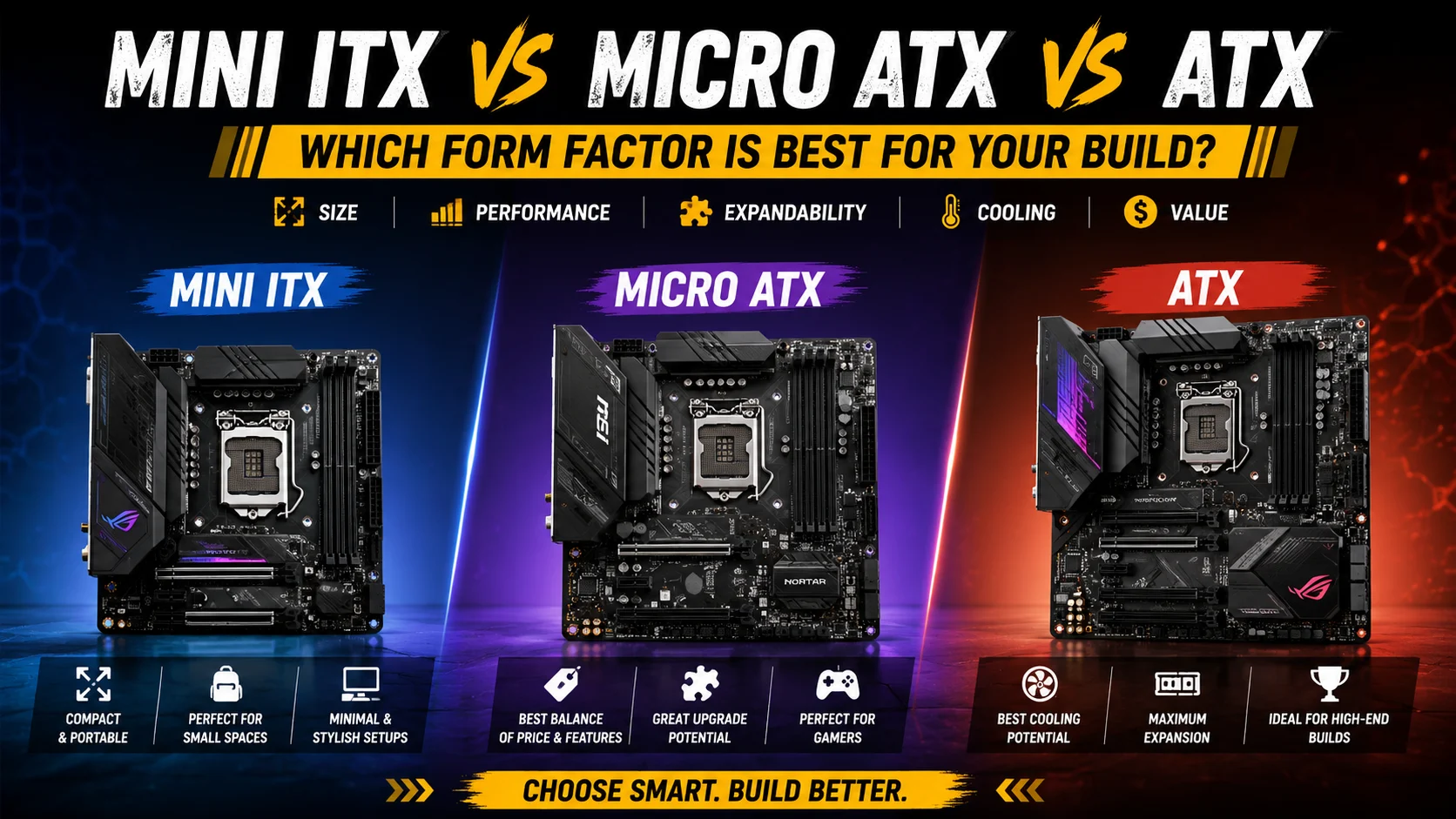
Building a PC involves choosing the right components, but one decision many builders overlook is the motherboard form factor. The three most popular options are Mini ITX, Micro ATX (mATX), and ATX. Each offers different advantages in terms of size, expandability, cooling, and budget.
In this guide, we’ll compare all three form factors to help you decide which one is best for your next PC build.
What Is a Motherboard Form Factor?
A motherboard form factor defines the physical size, mounting points, and layout of a motherboard. It determines what PC case you can use and how many components you can install.
The three most common form factors are:
- Mini ITX
- Micro ATX (mATX)
- ATX
Mini ITX


6
Specifications
- Size: 170mm × 170mm
- RAM Slots: Usually 2
- PCIe Slots: 1
- Compact and portable
Pros
✅ Small and space-saving
✅ Perfect for compact gaming setups
✅ Easy to transport
✅ Modern and stylish builds
Cons
❌ Limited upgrade options
❌ Fewer RAM and expansion slots
❌ Can be more expensive than larger boards
❌ Airflow management can be challenging
Best For
- Small Form Factor (SFF) enthusiasts
- LAN party gamers
- Minimalist desk setups
- Users with limited space
Micro ATX (mATX)


6
Specifications
- Size: 244mm × 244mm
- RAM Slots: Usually 4
- PCIe Slots: Multiple
- Excellent balance between size and features
Pros
✅ Affordable pricing
✅ Good upgrade potential
✅ Fits in smaller and mid-sized cases
✅ Great value for gamers
Cons
❌ Less expansion than full ATX
❌ Slightly fewer features on entry-level models
Best For
- Budget gamers
- First-time PC builders
- Students
- General-purpose gaming and productivity PCs
ATX


7
Specifications
- Size: 305mm × 244mm
- RAM Slots: Usually 4–8
- Multiple PCIe and M.2 slots
- Maximum expansion capability
Pros
✅ Best cooling potential
✅ More USB ports and connectivity
✅ Easier cable management
✅ Ideal for high-end builds
Cons
❌ Requires a larger case
❌ More expensive overall
❌ Takes up more desk space
Best For
- Enthusiast gamers
- Streamers
- Content creators
- Workstation users
Quick Comparison
| Feature | Mini ITX | Micro ATX | ATX |
|---|---|---|---|
| Size | Smallest | Medium | Largest |
| Upgradeability | Limited | Good | Excellent |
| Cooling | Moderate | Good | Excellent |
| Price | Higher | Best Value | Higher |
| Ease of Building | Moderate | Easy | Easiest |
| Best Use | Compact Builds | Budget Gaming | High-End PCs |
Which One Should You Choose?
Choose Mini ITX If:
- You want a compact and portable PC.
- Desk space is limited.
- You don’t plan many future upgrades.
Choose Micro ATX If:
- You want the best balance of price and performance.
- You need room for future upgrades.
- You’re building a gaming PC on a budget.
Choose ATX If:
- You’re building a premium gaming or editing PC.
- You want maximum expansion and cooling.
- You plan to upgrade frequently.
Final Verdict
For most gamers and PC builders, Micro ATX offers the best value. It provides excellent expandability, strong cooling options, and lower overall costs compared to ATX while avoiding the limitations of Mini ITX.
However, if you’re building a high-end gaming or content creation machine, ATX remains the top choice. And if you love compact setups, Mini ITX can deliver impressive performance in a tiny footprint.
The best form factor isn’t the biggest one—it’s the one that fits your needs, budget, and future upgrade plans.