
 processor-Intel

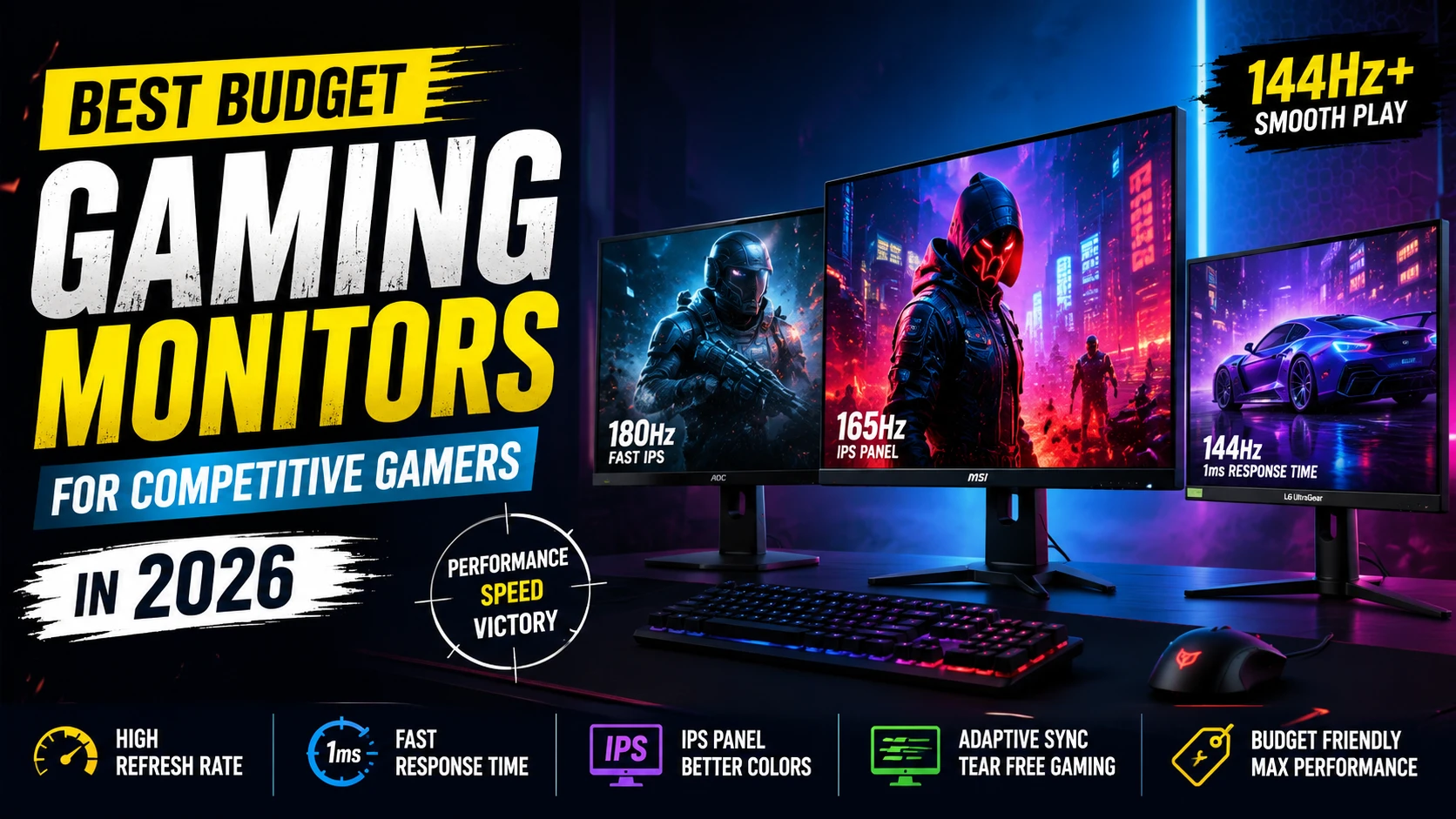
Competitive gaming is not just about having a powerful PC. Your monitor plays a huge role in reaction time, smooth gameplay, and overall gaming experience. Even with a high-end graphics card, using a slow or outdated monitor can hold back your performance.
If you’re planning to upgrade your setup in 2026, here are the best budget gaming monitors that deliver excellent performance without spending a fortune.
What Makes a Good Competitive Gaming Monitor?
Before choosing a monitor, here are the key things every gamer should look for:
1. High Refresh Rate
A higher refresh rate makes gameplay smoother and more responsive.
- 60Hz = Basic experience
- 144Hz = Competitive sweet spot
- 240Hz = Esports level smoothness
For games like Valorant, CS2, Fortnite, and Apex Legends, a 144Hz monitor is highly recommended.
2. Low Response Time
Response time affects motion clarity.
- 1ms response time is ideal
- Reduces ghosting and blur during fast movement
3. Panel Type
Different panel technologies offer different experiences.
IPS Panel
- Better colors
- Better viewing angles
- Great for both gaming and content consumption
VA Panel
- Better contrast
- Deep blacks
- Good for immersive gaming
TN Panel
- Extremely fast
- Lower color quality
- Mostly used in esports
IPS monitors are currently the best balance for most gamers.
Best Budget Gaming Monitors in 2026
1. AOC 24G4
A great budget esports monitor with excellent motion clarity.
Features
- 24-inch Full HD display
- 180Hz refresh rate
- IPS panel
- 1ms response time
Best For
- Valorant
- CS2
- Competitive FPS gamers
Why It’s Good
It offers premium smoothness at a budget price and has impressive color accuracy for an IPS display.
2. MSI G244F E2
One of the best value-for-money gaming monitors currently available.
Features
- 170Hz refresh rate
- Fast IPS panel
- AMD FreeSync support
- Slim bezel design
Best For
Gamers who want both smooth gameplay and modern aesthetics.
3. LG UltraGear 24GN65R
A trusted monitor from LG’s popular UltraGear series.
Features
- 144Hz refresh rate
- HDR10 support
- IPS display
- Excellent build quality
Best For
Gamers looking for reliability and color quality.
4. Acer Nitro VG240Y
A balanced monitor for gaming and everyday use.
Features
- 165Hz refresh rate
- IPS panel
- Good brightness levels
- Affordable pricing
Best For
Students and casual competitive gamers.
5. Samsung Odyssey G3
A clean-looking monitor with solid gaming performance.
Features
- 144Hz refresh rate
- Adjustable stand
- Eye comfort features
- Minimal design
Best For
Long gaming sessions and productivity.
1080p vs 1440p – Which Should You Choose?
Choose 1080p If:
- You mainly play esports titles
- You want maximum FPS
- You are on a tighter budget
Choose 1440p If:
- You play story games too
- You have a powerful GPU
- You want sharper visuals
For most competitive gamers, 1080p 144Hz or 180Hz remains the best value option.
Important Tips Before Buying
Check GPU Compatibility
Make sure your graphics card can actually push high FPS.
Don’t Ignore Ergonomics
Height adjustment and tilt support improve comfort during long sessions.
Adaptive Sync Matters
FreeSync or G-Sync helps reduce screen tearing.
Avoid Very Cheap Unknown Brands
Some ultra-budget monitors compromise heavily on panel quality and durability.
Final Thoughts
A good gaming monitor can completely change your gaming experience. You don’t need to spend huge amounts to get smooth gameplay in 2026. A quality 144Hz or 180Hz IPS monitor is now affordable and offers incredible value for competitive gamers.
If you mainly play esports games, prioritize:
- High refresh rate
- Low response time
- IPS panel
- Adaptive sync support
The right monitor combined with a capable gaming PC can give you a noticeable advantage in fast-paced games.