
 processor-Intel

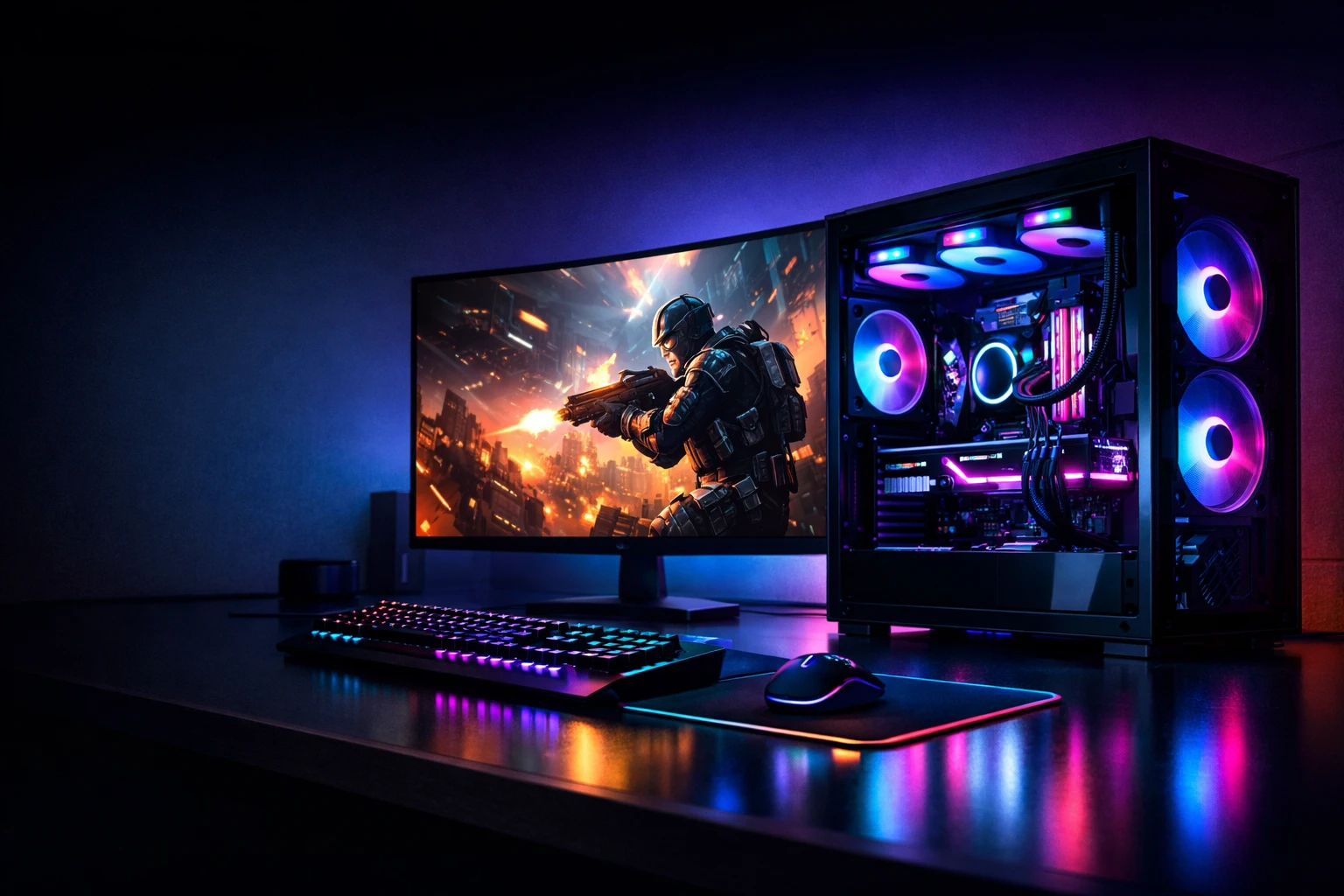
Building a gaming PC can feel overwhelming at first—there are dozens of parts, technical jargon, and endless combinations to consider. But once you understand how each component works and how they fit together, the process becomes much more manageable—and even fun. This guide will walk you through the essential components you need and how to choose the right ones for your gaming setup.
1. Start with Your Budget and Goals
Before diving into components, define your budget and what you want from your gaming PC. Are you aiming for smooth 1080p gameplay, high-refresh-rate competitive gaming, or ultra settings at 4K? Your goals will determine how much you should spend on each part.
2. The Core Components
a. Processor (CPU)
The CPU is the brain of your computer. For gaming, you want a processor that offers strong single-core performance and enough cores to handle modern games.
Tips:
- Mid-range CPUs are often sufficient for gaming.
- Avoid overspending on a high-end CPU if your GPU is mid-tier.
b. Graphics Card (GPU)
The GPU is the most important component for gaming performance. It handles rendering graphics, textures, and visual effects.
Tips:
- Allocate a large portion of your budget here.
- Match the GPU to your monitor resolution (e.g., 1080p, 1440p, 4K).
- Check benchmarks for the games you want to play.
c. Motherboard
The motherboard connects all your components. It doesn’t directly impact gaming performance but determines compatibility and features.
Tips:
- Ensure it supports your CPU (socket type matters).
- Look for enough RAM slots, USB ports, and expansion options.
- Don’t overspend unless you need advanced features.
d. Memory (RAM)
RAM allows your system to multitask and load game data quickly.
Tips:
- 16GB is the sweet spot for most gamers.
- 32GB is ideal for heavy multitasking or future-proofing.
- Faster RAM can provide small performance boosts.
e. Storage (SSD vs HDD)
Storage affects load times and system responsiveness.
Tips:
- Use an SSD for your operating system and games.
- NVMe SSDs are faster than SATA SSDs.
- Add an HDD if you need extra storage for files.
f. Power Supply Unit (PSU)
The PSU powers your entire system.
Tips:
- Choose a reputable brand.
- Ensure enough wattage for your GPU and CPU.
- Look for 80+ Bronze or higher efficiency ratings.
g. Case (Cabinet)
The case houses your components and affects airflow and aesthetics.
Tips:
- Choose a case with good airflow.
- Make sure it fits your GPU and motherboard.
- Consider cable management features.
h. Cooling System
Keeping your PC cool is essential for performance and longevity.
Options:
- Air cooling (budget-friendly and reliable)
- Liquid cooling (better performance, more expensive)
3. Balancing Your Build
A common mistake is creating a bottleneck—pairing a powerful GPU with a weak CPU (or vice versa). Aim for a balanced build where all components complement each other.
Example:
- Mid-range CPU + High-end GPU = Great for gaming
- High-end CPU + Low-end GPU = Wasted potential
4. Compatibility Checks
Before purchasing:
- Ensure CPU and motherboard compatibility.
- Check RAM type (DDR4 vs DDR5).
- Verify PSU wattage requirements.
- Confirm GPU fits inside your case.
5. Future-Proofing
While you don’t need the most expensive parts, consider:
- Upgradability (extra RAM slots, PCIe lanes)
- Newer technologies (PCIe 4.0/5.0, DDR5)
- A slightly higher wattage PSU for future upgrades
6. Final Thoughts
Building a gaming PC is all about making smart choices rather than simply buying the most expensive parts. Focus on your gaming needs, prioritize the GPU, and ensure all components work well together.
With the right approach, you’ll end up with a powerful, efficient system tailored perfectly to your gaming style—and the satisfaction of building it yourself.
Happy building!🎮